
GyrOSC: OSC messanger for motion sensors
GyrOSC is a lightweight utility that sends your iPhone, iPod Touch, or iPad's motion sensors over your local wireless network to any OSC capable host application. Control your live audio or video application with your device's built-in gyroscope, accelerometer, compass, and altimeter.
Direct access to data
Access the same raw data that iOS developers use for their applications. The sensor data is sent directly out from GyrOSC - no normalizing, arbitrary value mapping, or translation to another format (like MIDI) to worry about. You can even reference the Apple Developer Documentation to find out more about the values being sent.
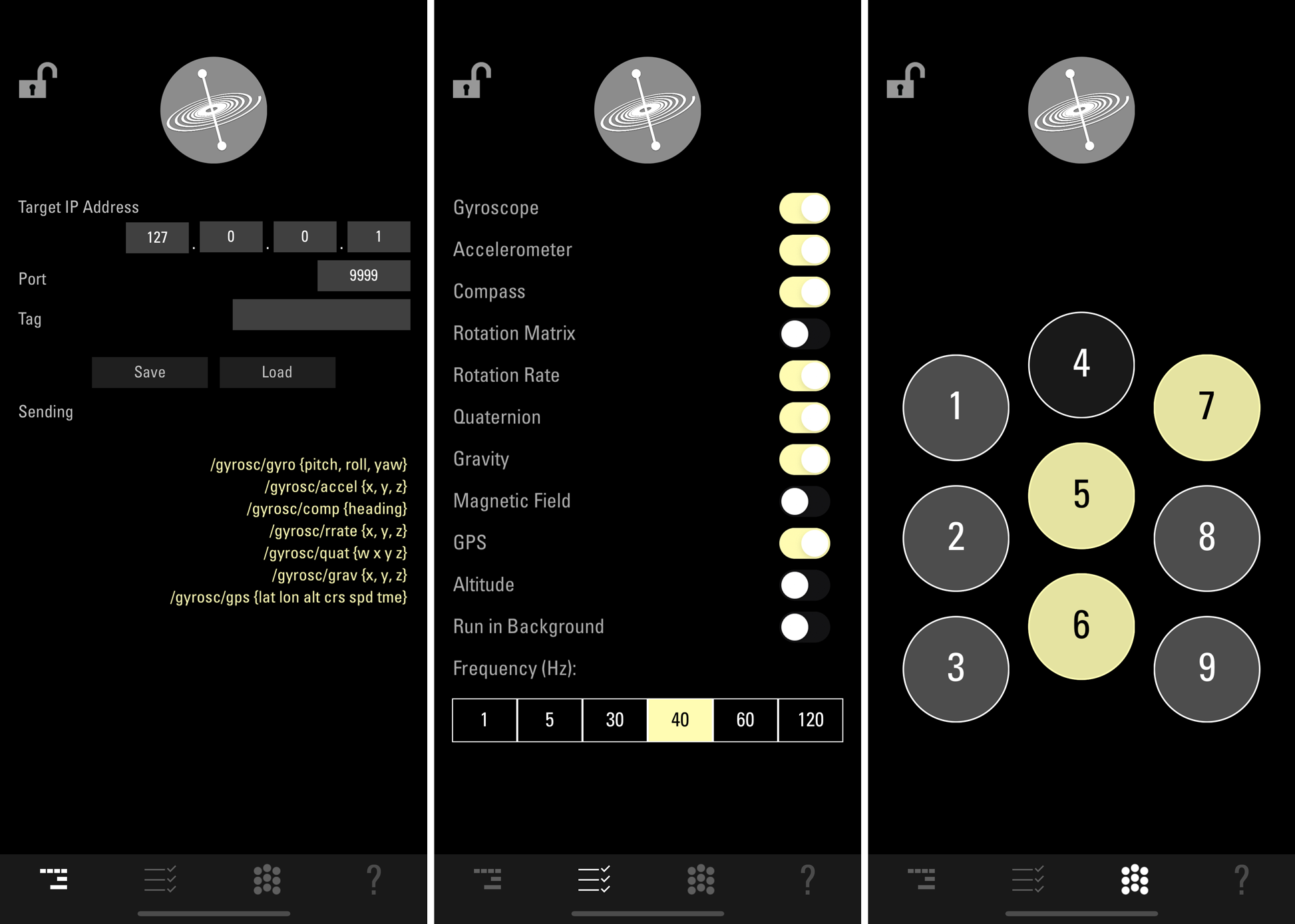
Plus, the data rate is fast and configurable: messages can be sent between 1 and 120 times a second.
Hardware requirements
GyrOSC will work on any iOS device (iPhone, iPod Touch and iPad). The minimum iOS version for version 2.6 is iOS 14.
Setup
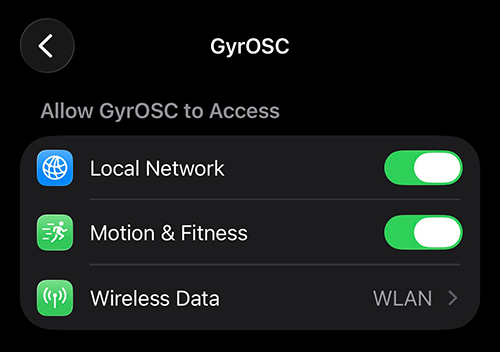
Before GyrOSC can send message on the local network, you must grant access to the system for device motion, local network, and WLAN. Go to the system Settings >> Apps >> GyrOSC to ensure they are allowed:
1. Connect your iOS device and computer to the same WiFi network.
2. Find the IP address of your computer (make sure it's the WiFi IP address).
3. Enter the computer IP addres into GyrOSC.
4. Open your OSC compatible app on your computer, and match the incoming port number in GyrOSC.
5. Format your receivers to match the GyrOSC messages (see the '?' area in GyrOSC).
Demo Projects
Check out these demo projects in Processing (www.processing.org) to get started receiving messages:
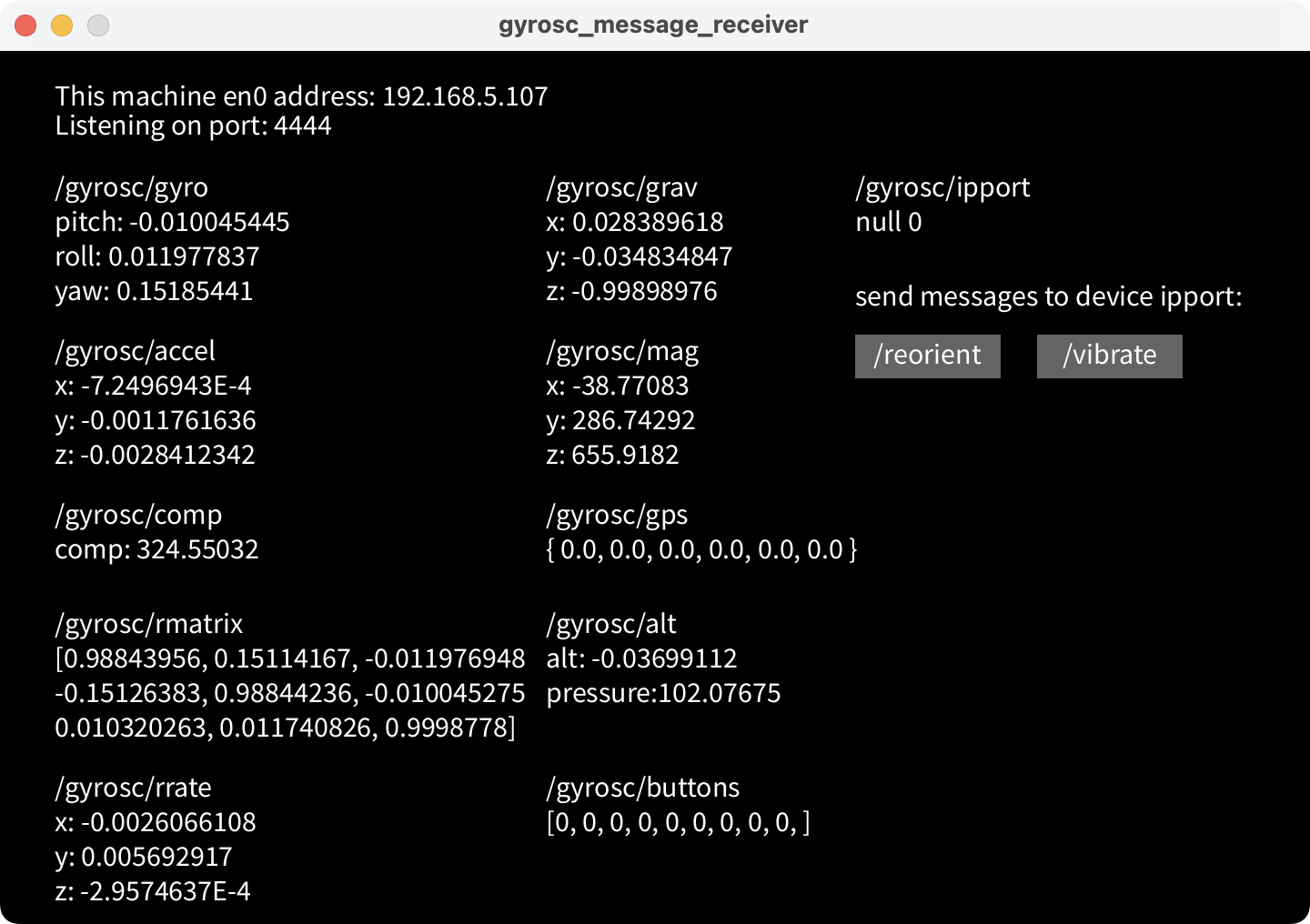
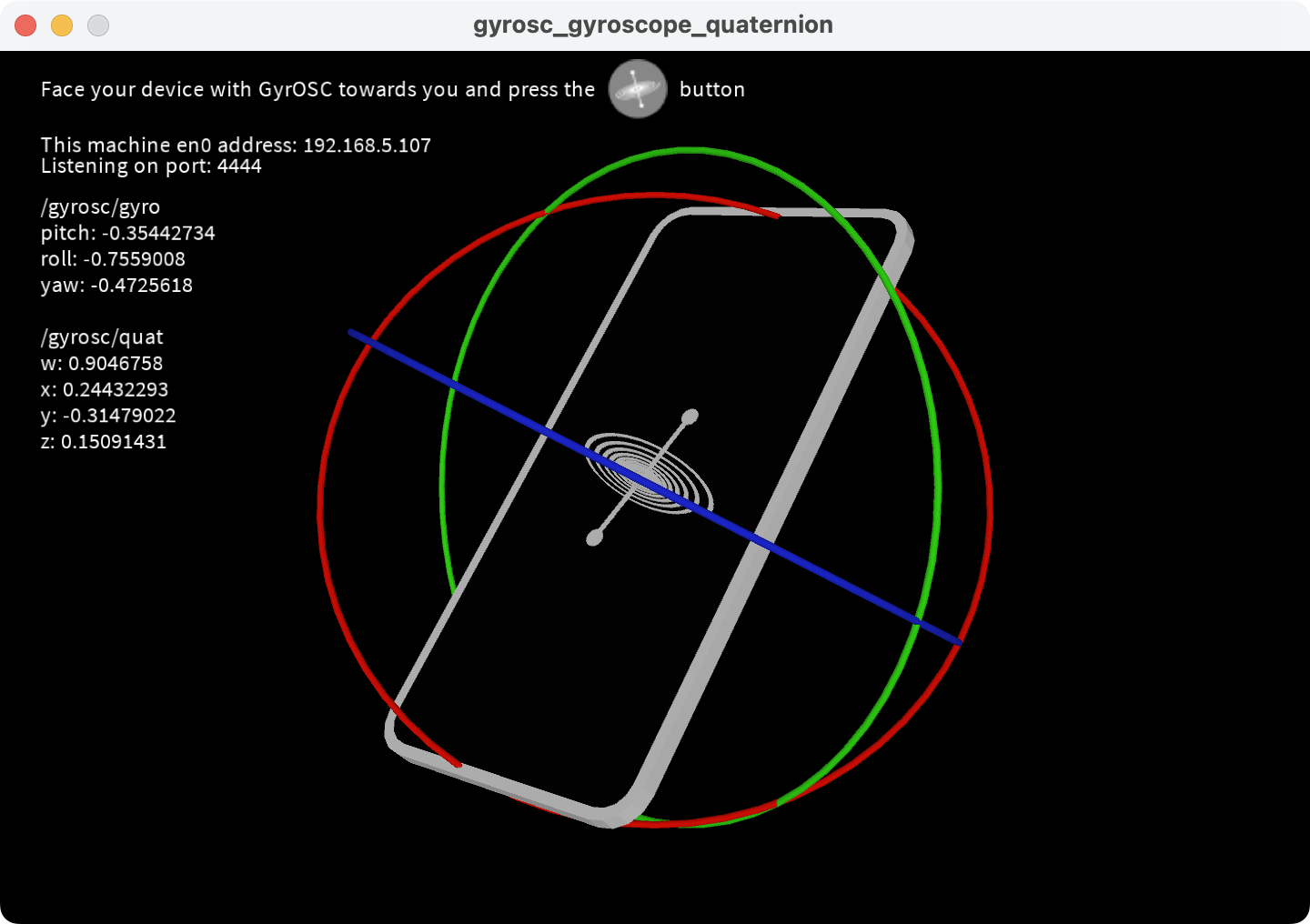
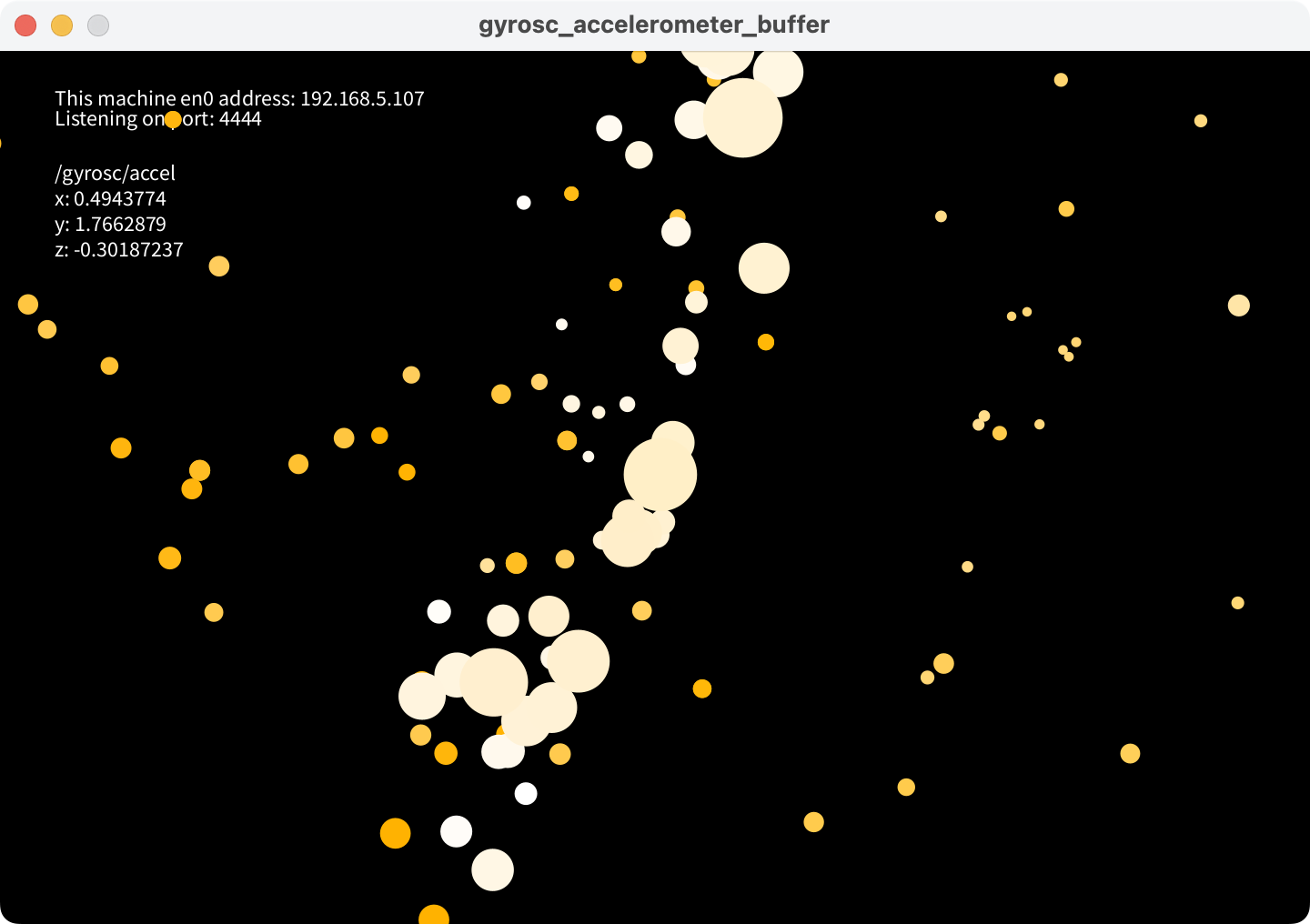
Download them here:
gyrosc-processing-examples.zip
Or, you can try this project in Pd (www.pure-data.info):
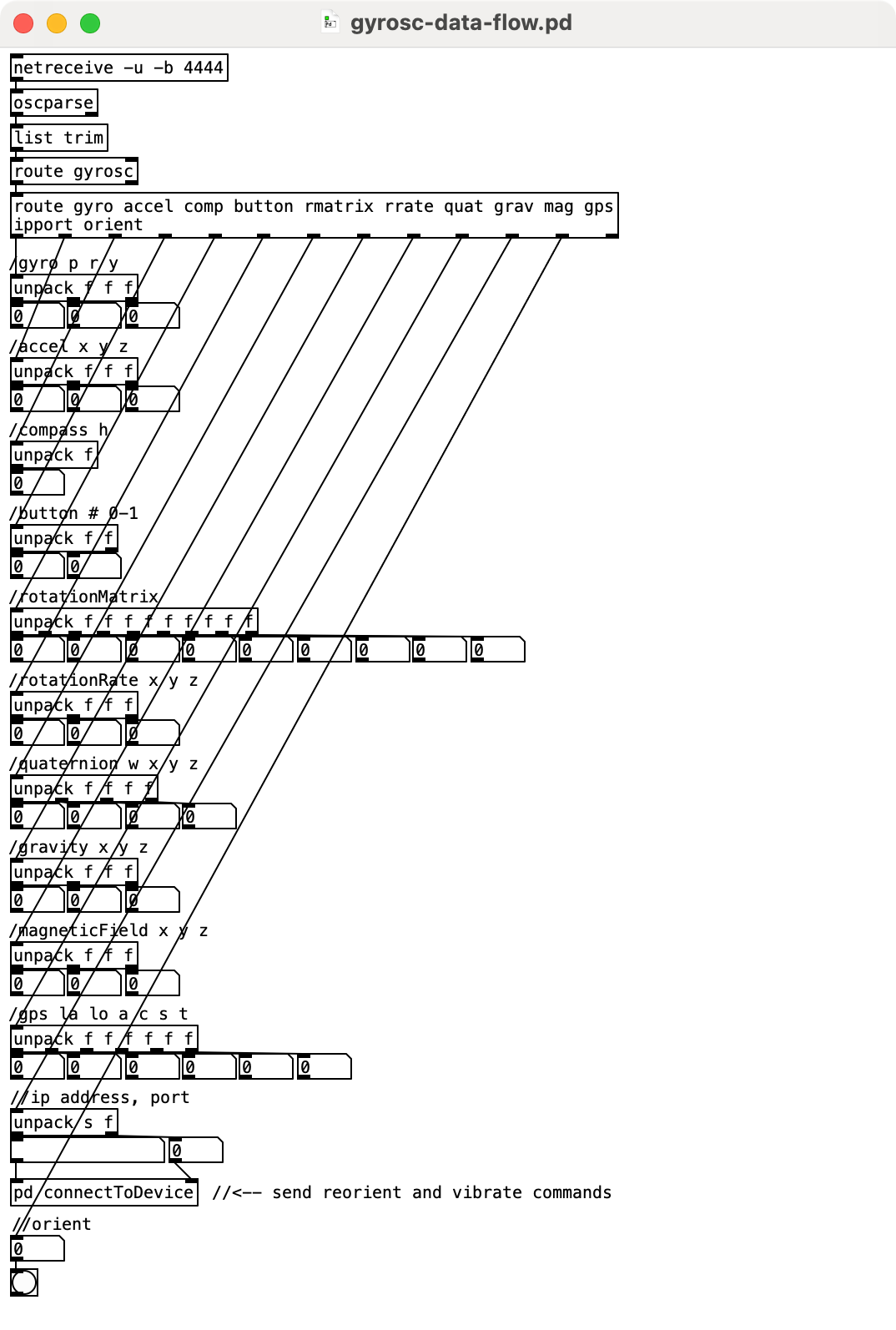
Download the Pd sketch:
Advanced Configuration
GyrOSC 2.5 supports the use of a configuration file to format the outgoing messages. You can set custom message addresses, and scale the outgoing values. See this page for more details.
Demo

Feedback and Support
For feedback, feature requests, or questions, please email:
